
Google Ads for eCommerce: How to Scale Revenue Profitably

If you run an eCommerce brand, you don’t just need traffic—you need profitable, scalable revenue.
That’s where Google Ads becomes one of the most powerful growth channels available.
Unlike social media, where you’re creating demand, Google Ads captures people who are already searching for products like yours.
In this guide, I’ll break down how to run Google Ads for eCommerce, including campaign types, cost expectations, product feed strategy, and how to scale profitably.
This is the same framework we use at TradeScale to grow eCommerce brands.
Why Google Ads Is Critical for eCommerce Growth
Google Ads allows you to show your products to shoppers at every stage of the buying journey.
From high-intent searches like:
buy running shoes online
best protein powder
mens leather jacket
To broader discovery through Shopping and Performance Max campaigns.
The key advantage is intent.
These users are already looking to purchase—you just need to show up with the right product, price, and messaging.
Understanding the Core Campaign Types
One of the biggest mistakes eCommerce brands make is not understanding how Google Ads campaign types work together.
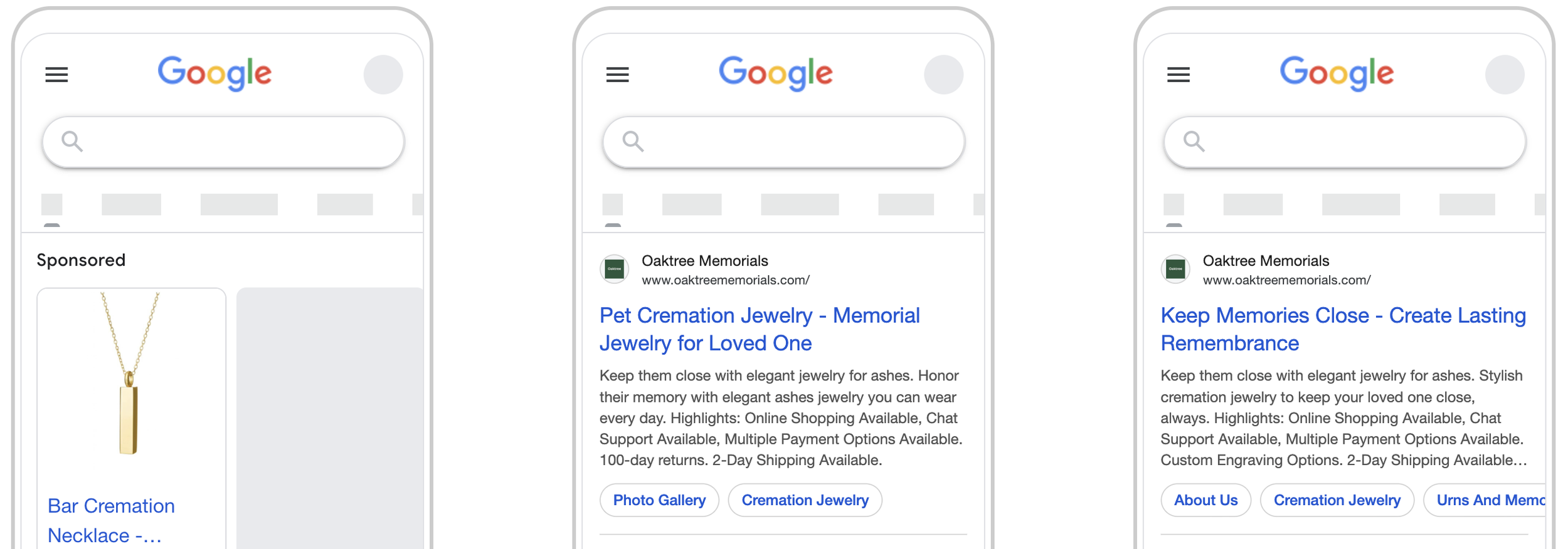
Shopping Ads (Product Listings)
These are the image-based product ads you see at the top of Google.
They include:
product image
price
brand
reviews
👉 These are typically your highest-performing campaigns.
Performance Max (PMax)
Performance Max uses your product feed and assets to show ads across:
Search
Shopping
YouTube
Display
Gmail
👉 Best for scaling once you have conversion data.
Search Campaigns
Text-based ads targeting specific keywords.
Examples:
buy nike running shoes
organic coffee beans online
👉 Great for capturing high-intent branded and non-branded searches.
Remarketing (Display / PMax)
Targets users who:
visited your site
added to cart
didn’t purchase
👉 Critical for improving conversion rates and ROAS.
What Google Ads Costs for eCommerce
Costs vary widely depending on your niche, competition, and pricing.
Typical benchmarks:
Lower-priced products require higher volume, while higher-ticket items can support higher CPAs.
The Product Feed: Your Most Important Asset
For eCommerce, your product feed is everything.
Google uses your feed to determine:
what searches your products show for
how your products appear
how competitive your listings are
Key elements to optimize:
Product Titles
Include:
brand
product type
key attributes
Example:
Nike Air Zoom Pegasus 40 Running Shoes – Mens Size 10 Black
Product Images
high quality
clean background
clear product focus
Pricing & Promotions
competitive pricing matters
promotions can boost click-through rate
Product Descriptions
keyword-rich
clear and accurate
Feed optimization alone can dramatically improve performance.
Keyword Strategy for eCommerce
Even though Shopping campaigns don’t rely on traditional keywords, search intent still matters.
High-Intent Keywords
buy [product]
[product] for sale
best [product]
Branded Keywords
your brand name
competitor brand names
Category Keywords
mens running shoes
organic skincare products
Search campaigns should support Shopping campaigns by capturing additional intent.
Structuring Campaigns for Scale
A strong structure is key to scaling profitably.
Shopping / PMax Structure
segment by product category
separate best sellers
isolate high-margin products
Example:
Campaign 1 — Best Sellers
Campaign 2 — High Margin Products
Campaign 3 — Category-Based (e.g., Shoes, Jackets)
This allows you to:
control budget allocation
scale top performers
optimize more effectively
Writing Ads That Drive Clicks and Sales
Even in eCommerce, messaging matters.
Focus on:
Value
Free Shipping
Discounts
Bundles
Trust
Reviews
Guarantees
Easy Returns
Urgency
Limited Time Offer
Sale Ends Soon
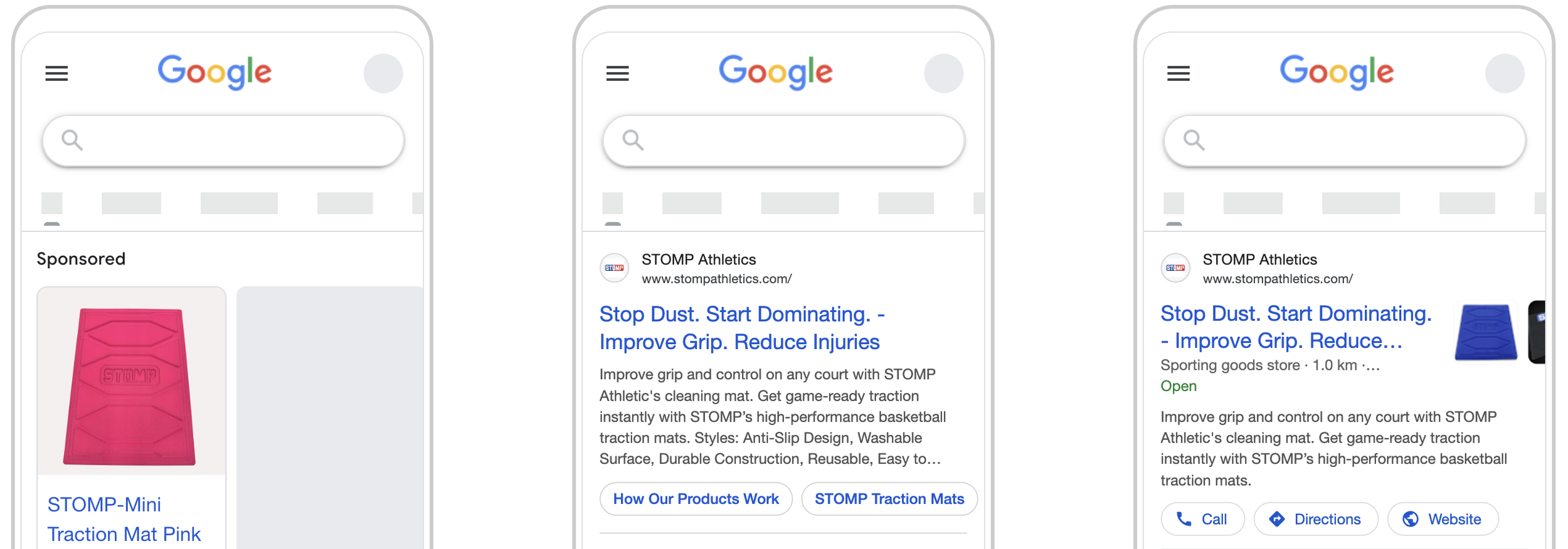
Landing Pages That Convert
For eCommerce, your landing page is typically your product page.
To maximize conversions, ensure:
fast load speed
clear product images
strong product descriptions
visible pricing
reviews and ratings
easy checkout
Small improvements here can significantly increase ROAS.
Tracking and Measuring Performance
Tracking is critical.
You should measure:
purchases
revenue
ROAS
conversion rate
Without accurate tracking, you can’t scale effectively.
Common Mistakes eCommerce Brands Make
These are the biggest issues we see.
No Product Feed
Limits visibility and performance.
No Campaign Segmentation
Hard to scale winners.
Ignoring Search Campaigns
Missing high-intent traffic.
Weak Landing Pages
Low conversion rates.
No Clear ROAS Targets
No direction for optimization.
Fixing these often leads to immediate gains.
How Much Should You Spend?
Budget depends on your goals and margins.
The key is profitability—not just spend.
Scaling Profitably Over Time
Scaling isn’t about increasing budget blindly.
It’s about:
identifying winning products
increasing spend on top performers
cutting losing products
expanding into new campaigns
The goal is to grow profit - either through higher ROAS or more conversion volume.
Should You Manage Google Ads Yourself?
Some eCommerce brands do.
But challenges include:
ongoing optimization and management
campaign structure/strategy
data interpretation
scaling decisions
Because small inefficiencies can quickly impact profitability, many brands work with specialists.
Final Thoughts on Google Ads for eCommerce
Google Ads is one of the most effective ways to drive consistent, high-intent revenue for eCommerce brands.
With the right strategy—optimized product feeds, structured campaigns, and strong landing pages—you can turn Google into a predictable growth engine.
The difference between breaking even and scaling profitably comes down to execution.
Want to Scale Your eCommerce Revenue?
At TradeScale, we help eCommerce brands build and scale Google Ads campaigns that drive real revenue.
We focus on:
increasing ROAS
improving conversion rates
scaling top-performing products
If you're looking to get more out of Google Ads for eCommerce, we’d be happy to help.